
CalendarAlerts+ breaks through the iOS Calendar apps limits on the kind and number of alerts you can set per calendar event (a maximum of 2 alerts for 10 predefined time periods, fewer for all-day events)
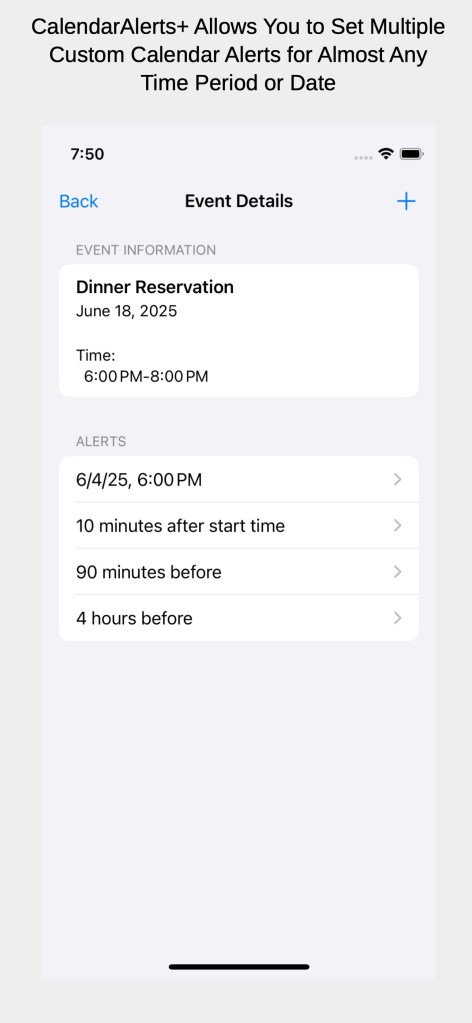
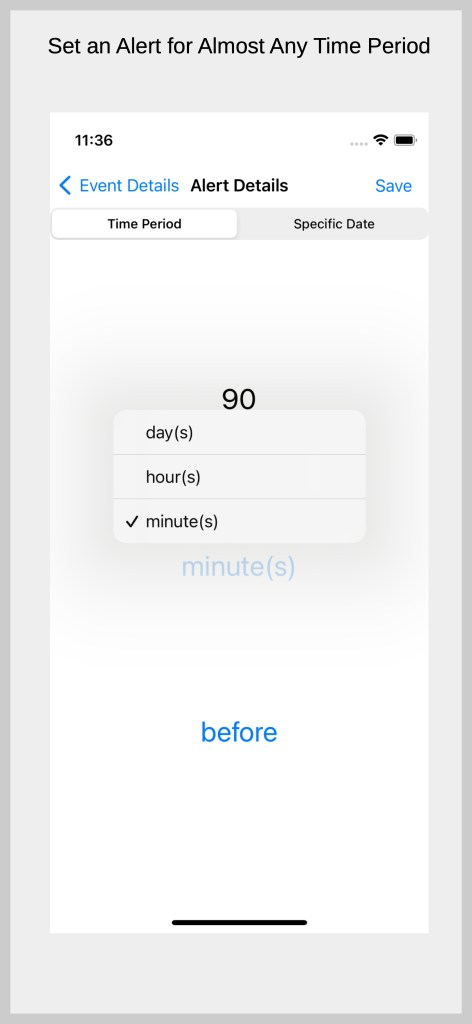
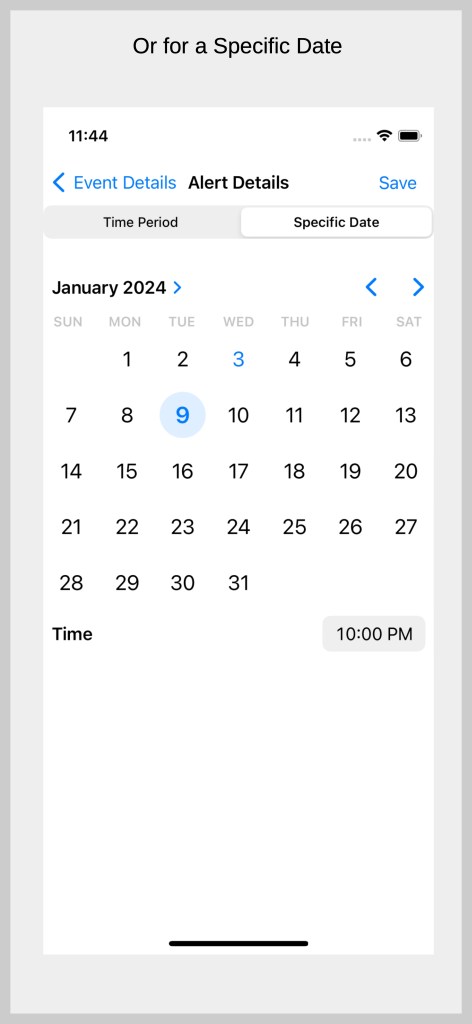
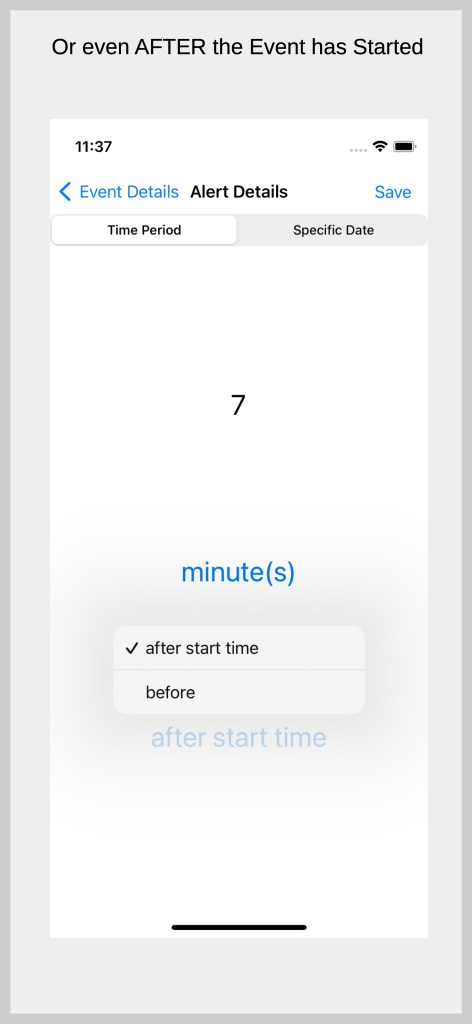
CalendarAlerts+ allows you to create and edit an unlimited* amount of alerts per event for time periods ranging from 0 to 99999 minutes, hours or days before or even AFTER* the start time of a calendar event. In addition, you can set an event for a specific date and time rather than a relative time period.

Additional features
- Create new calendar events within CalendarAlerts+
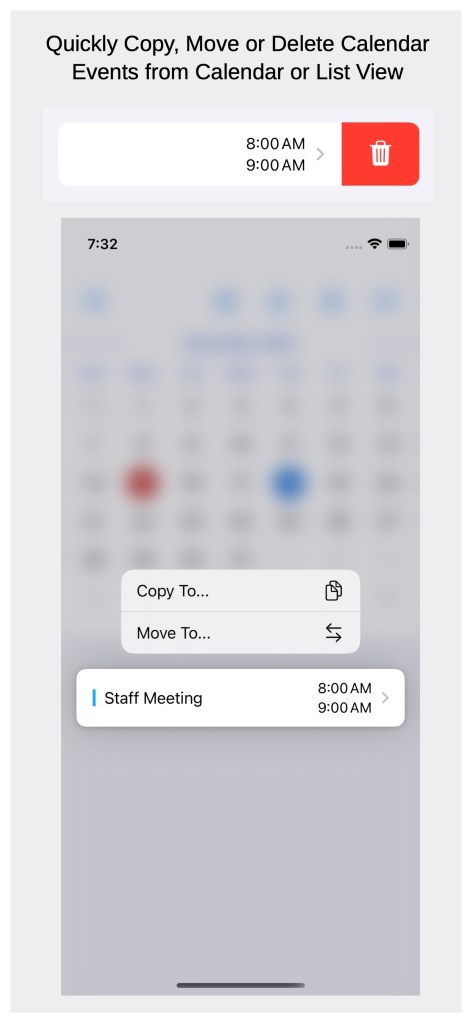
- Quickly copy, move and delete calendar events within CalendarAlerts+
- Edit other non-alert calendar event inforation within CalendarAlerts+
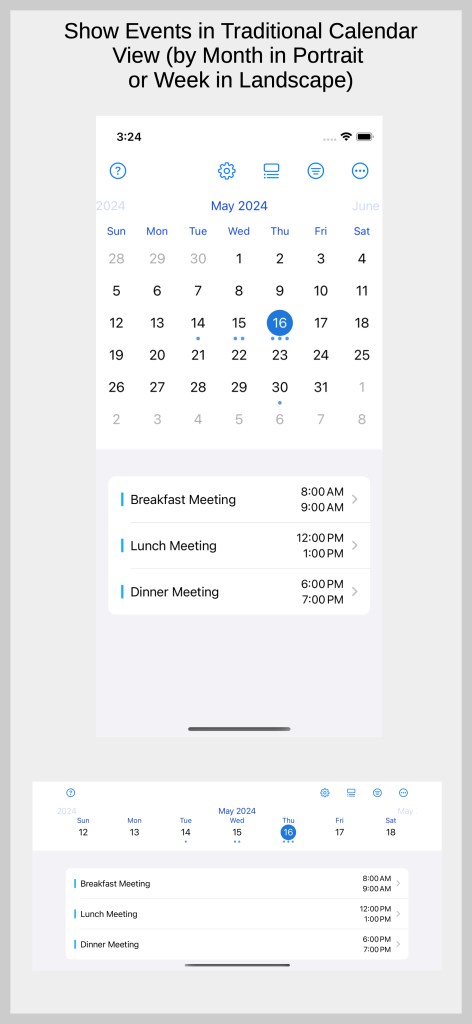
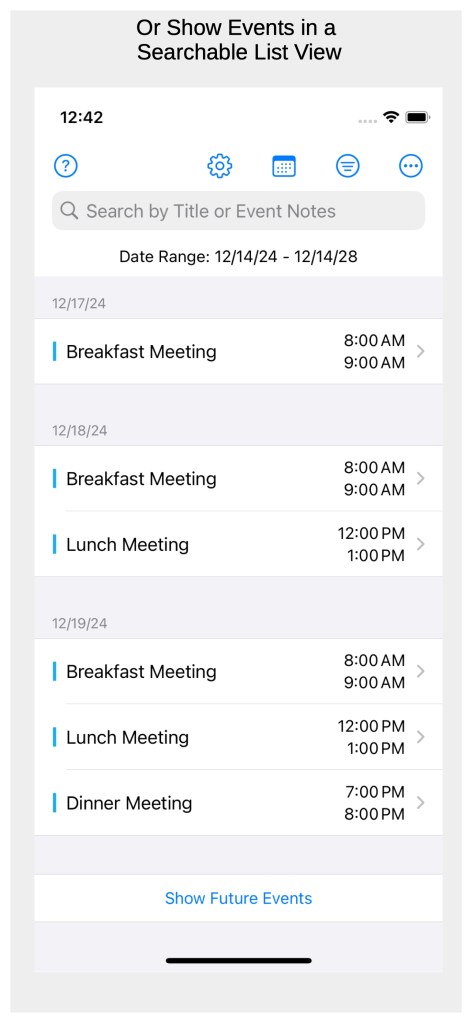
- Calendar events are viewable in a calendar or searchable list view
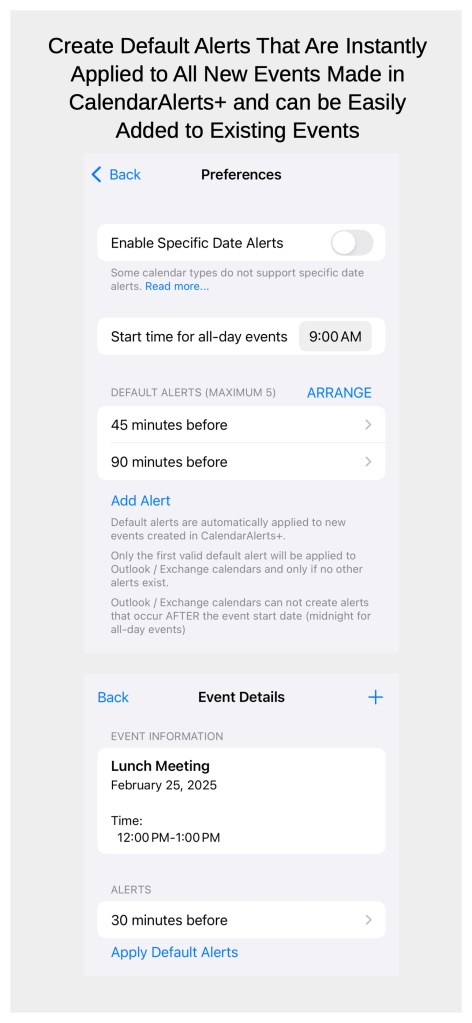
- Create default alerts that are instantly applied to any new events created in CalendarAlerts+ and can be easily added to any existing events
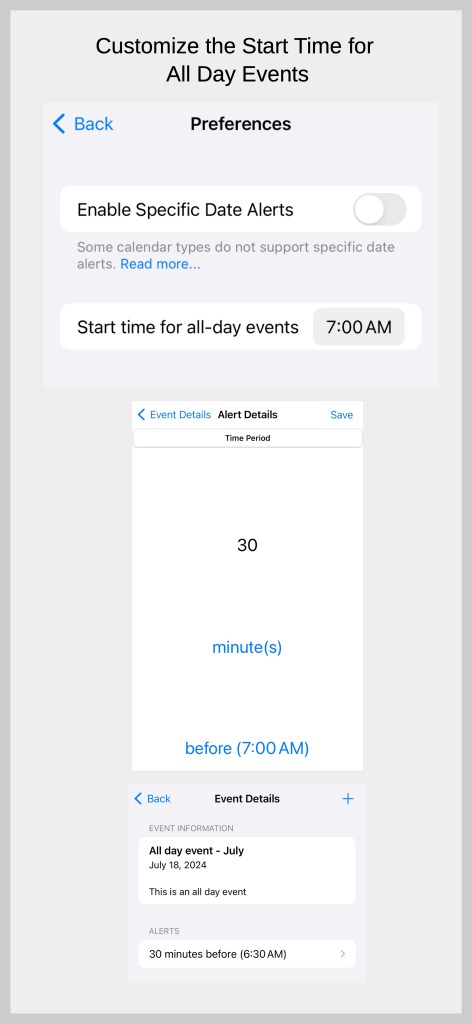
- Ability to change the default start time for all-day events
- Date and time display formats default to those set in the iOS Settings app
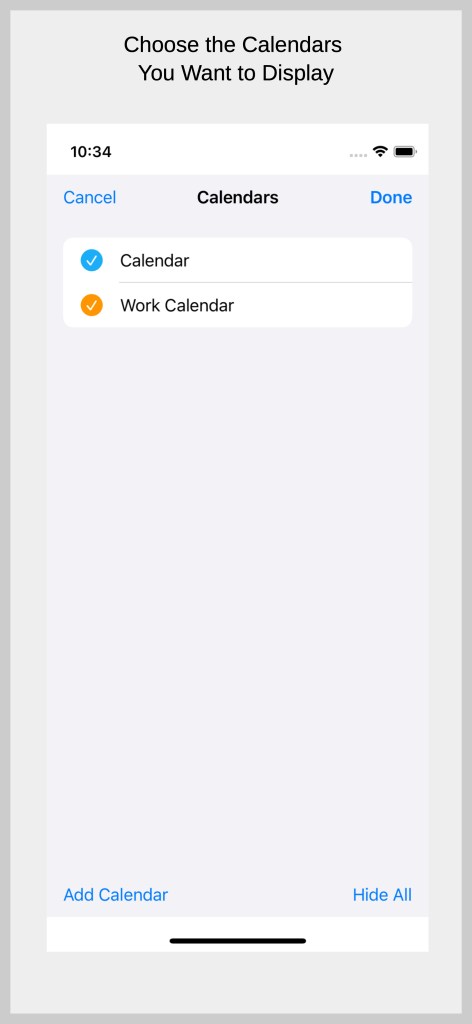
- Support for displaying multiple calendars
- Jump to a specific date within calendar view
- Calendar view displays a week view in landscape mode
- Preference syncing via iCloud
Learn how CalendarAlerts+ Works
Watch the Overview Video
View Screenshots


*Outlook / Exchange calendars are limited to one alert per event and alerts cannot be set after the start time of the event. Google calendars are limited to five alerts per event.
 Solutions That Are Practical, LLC